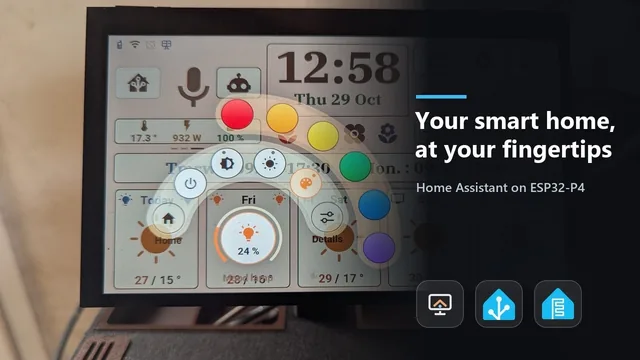
The Home Assistant screen in 2 minutes
A tour of the display: home, rooms, lights, heating, energy, music, voice, themes.
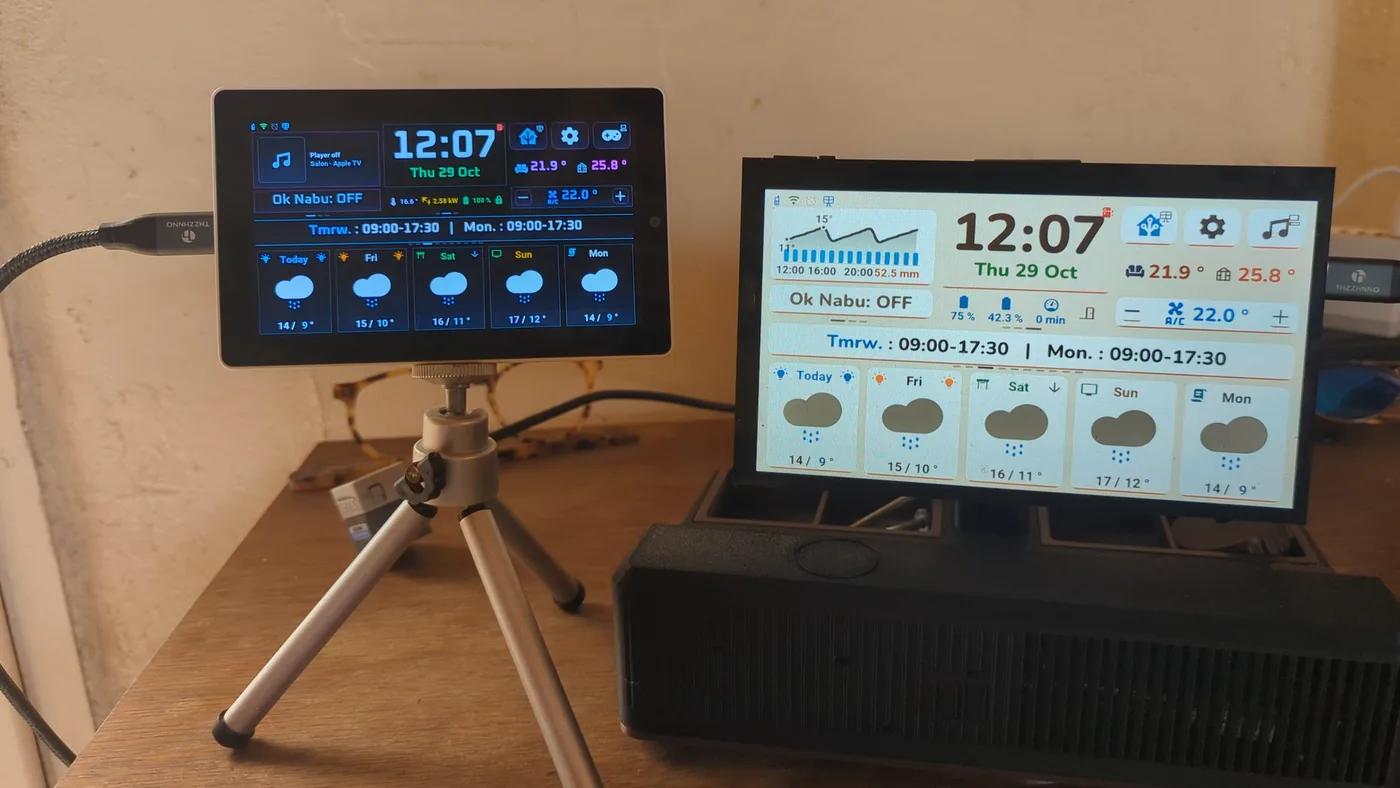
Watch on YouTubeA wall display that runs directly on an M5Stack Tab5 or a Waveshare ESP32-P4 7B, with no browser: Home Assistant pushes what changed, and the screen redraws only that. It is the screen of my house.
Four videos on YouTube, subtitles in seven languages: the voice assistant one is spoken, the others have English texts on screen.
A tour of the display: home, rooms, lights, heating, energy, music, voice, themes.
Watch on YouTube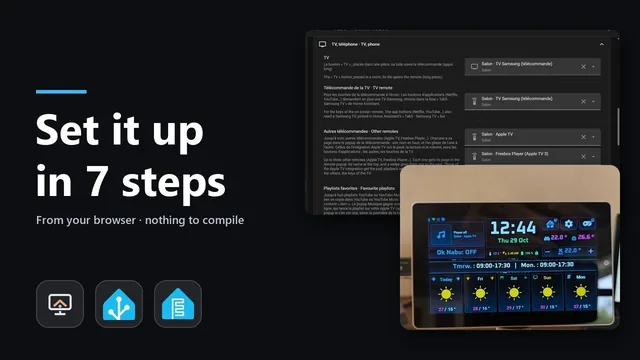
From the browser, nothing to compile: HACS, the install page, Wi-Fi, the blueprint.
Watch on YouTube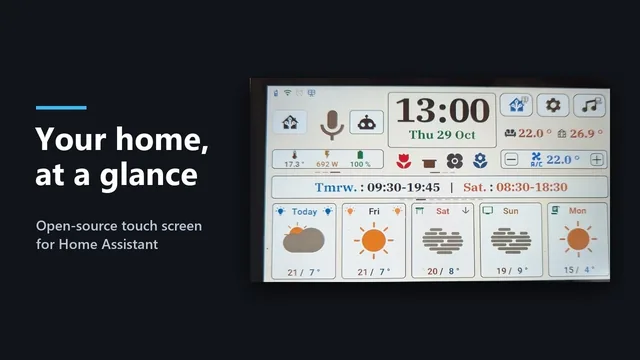
Themes, rooms, buttons: change a setting with the mouse and the screen follows, no flashing.
Watch on YouTube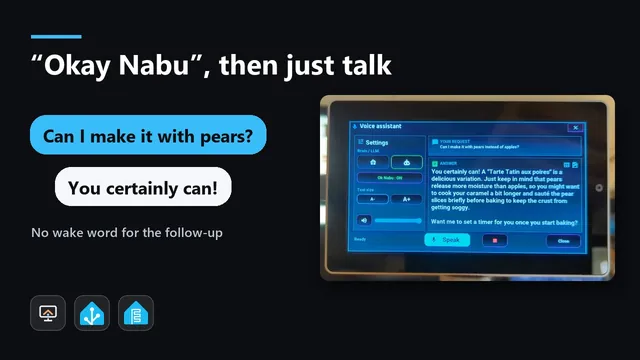
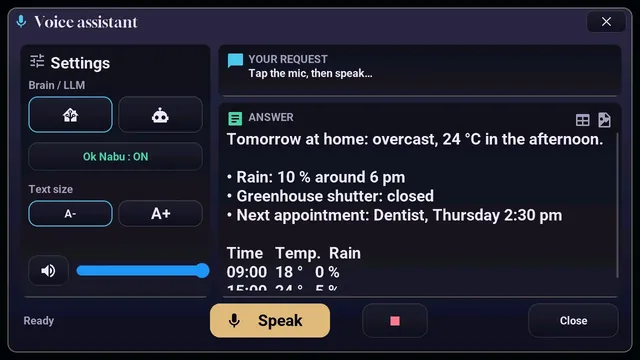
Three minutes, spoken: the wake word is detected on the tablet itself, then you keep talking without repeating it.
Watch on YouTubeEverything I need day to day, on a 5 or 7 inch touch screen, without opening an app.
Rain in the next hour in 9 bars, hourly and 15-day forecasts, official weather warnings. A central card rotates every 8 seconds: work hours, rain graph, warnings, a 3-day summary.
Up to 10 rooms of 20 devices (lights, switches, shutters, players, scenes, sensors) and a "House" view with "all off".
Brightness arc, 3 whites and 12 colours. Shutters open, closed or at a position; saying "Stop" stops the shutter.
Modes, thermostat arc, presets, airflow, and the temperature history over 24 hours, 7 or 30 days.
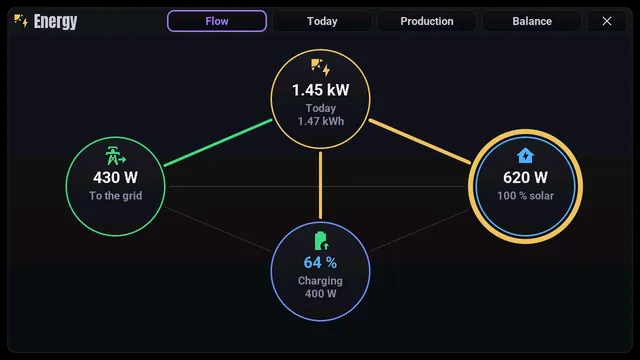
Flows between solar panels, home, grid and battery, a learned production forecast, a monthly balance in kWh (optional).
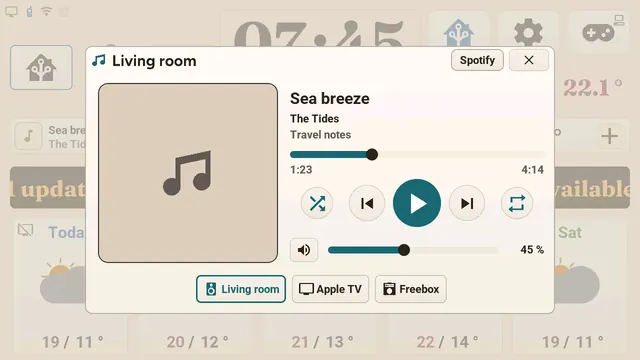
Any Home Assistant player, with cover art, volume, favourite playlists and multi-room with Music Assistant.
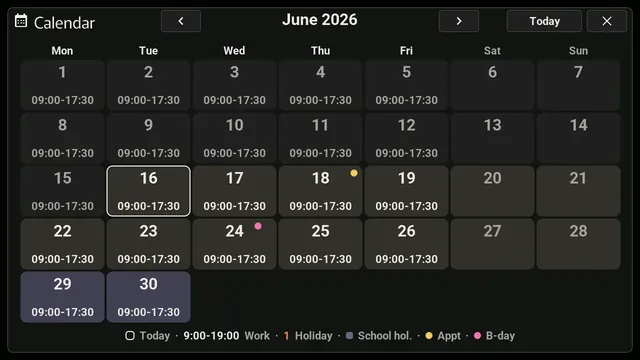
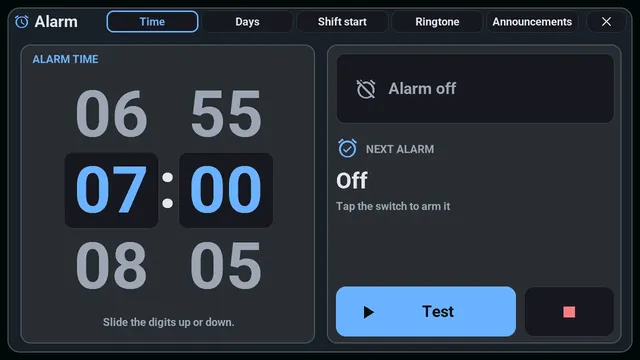
A monthly calendar computed on the screen (work hours, public holidays, appointments) and an alarm clock with a spoken briefing of the day.
"Okay Nabu" detected on the screen itself, with a choice of two assistants.
Plants (Bluetooth sensors), Samsung TV remote, still camera images, fridges and freezers, sensor tracking, a diagnostics console, and 8 small offline games (experimental).
The screenshots below are renders of the firmware on a PC with demo data.
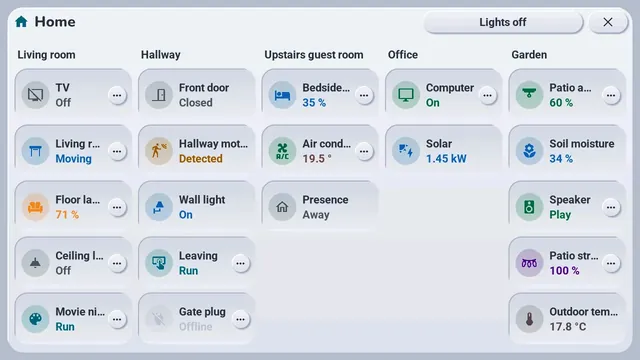
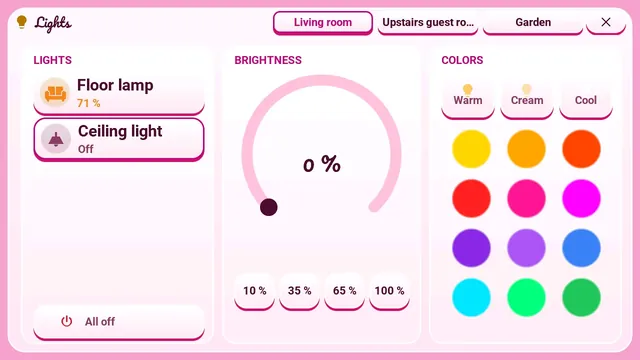
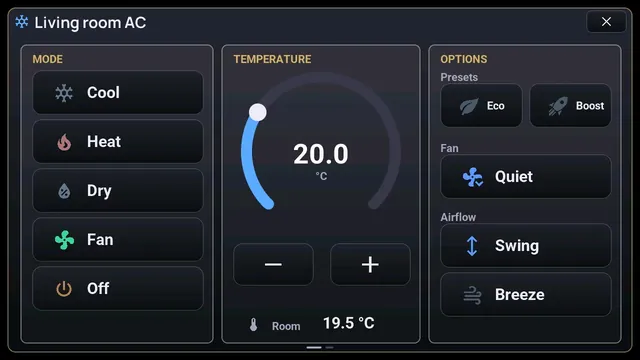
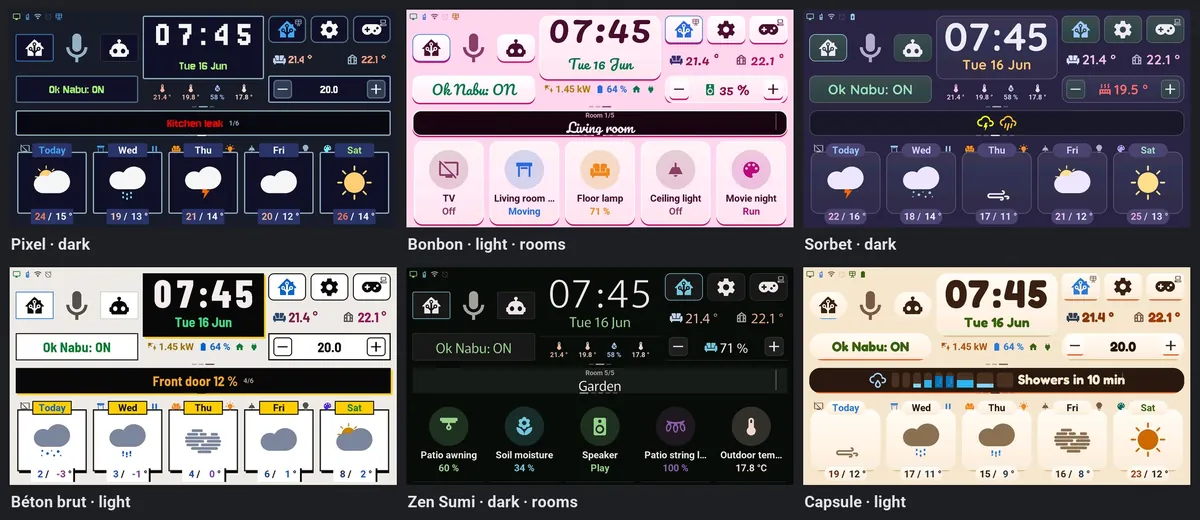
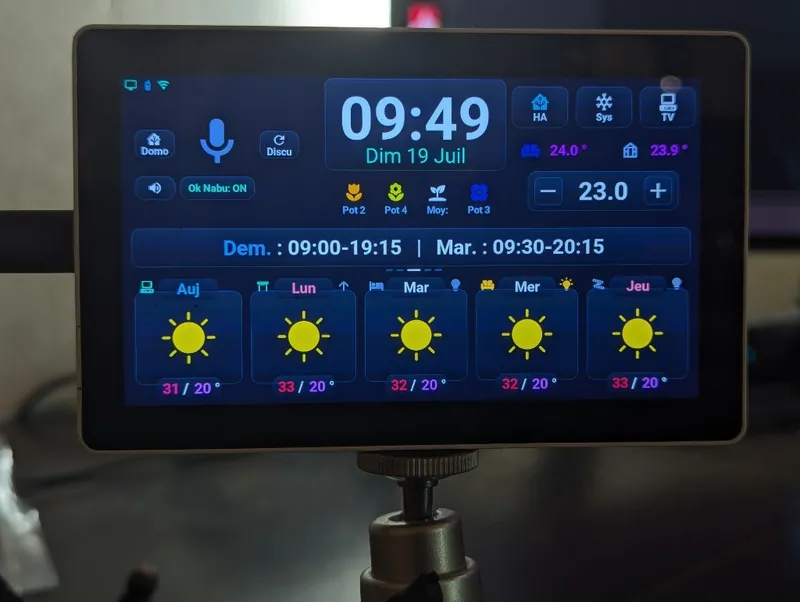
Three display chips exist: ST7123 (the development one), ST7121 (runs for a user, tried at home), ILI9881C (builds, untested).
The Tab5 and its three versions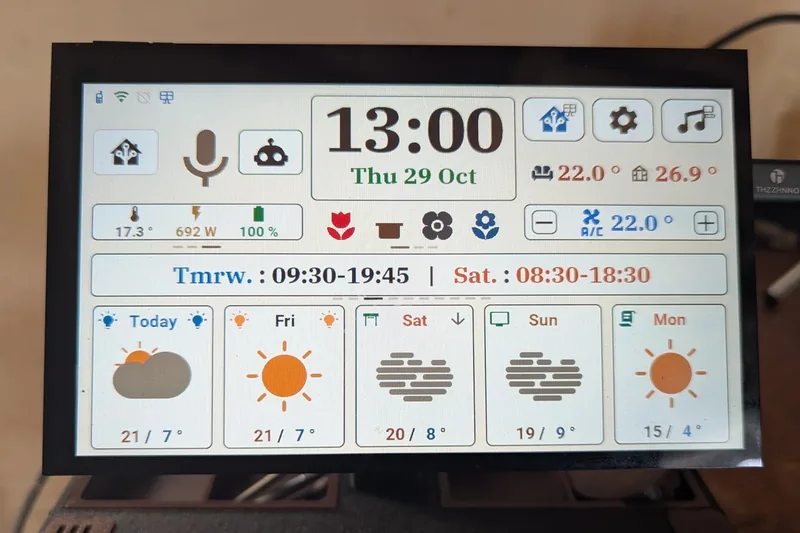
No longer experimental since 3.9.0: it has been the screen of my house since 14 October 2026. No motion sensor (so no games by default), clock chip or battery.
The Waveshare 7B in detailNo need to compile: you need Chrome or Edge on a computer and a USB-C cable that carries data.
config.Updates then come through Home Assistant; the screen only accepts firmware signed by the project. Everything is in the installation guide.
Going further: the architecture, demo mode without Home Assistant.
A personal project, made with the help of AI. The seven languages were translated by AI; only French has been proofread. Warnings outside Météo-France have only been tried with simulated data.